
Email marketing automation
Let your emails always be there for your customers, so you don’t have to.
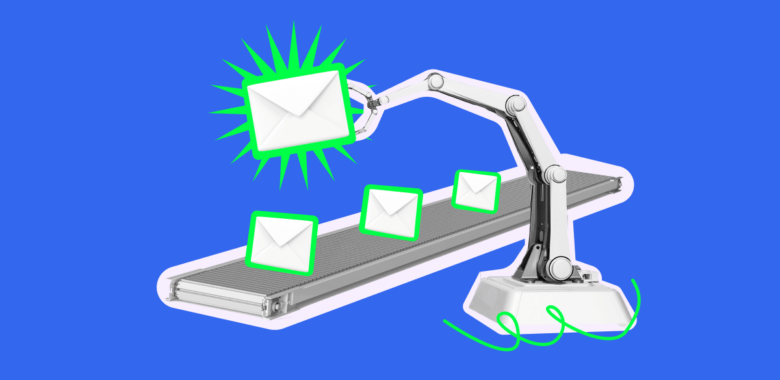
Let your emails run the show 24/7
So you can focus on more important things.
Whatever the occasion — your emails got your back
- You be like “Welcome emails, abandoned cart reminders, limited offers, special events, personal offers… how am I supposed to find time to interact with my customers non-stop?”
Selzy email automation tool be like “I got you”.
Show you care
Build deeper connections at every step.

Welcome new contacts
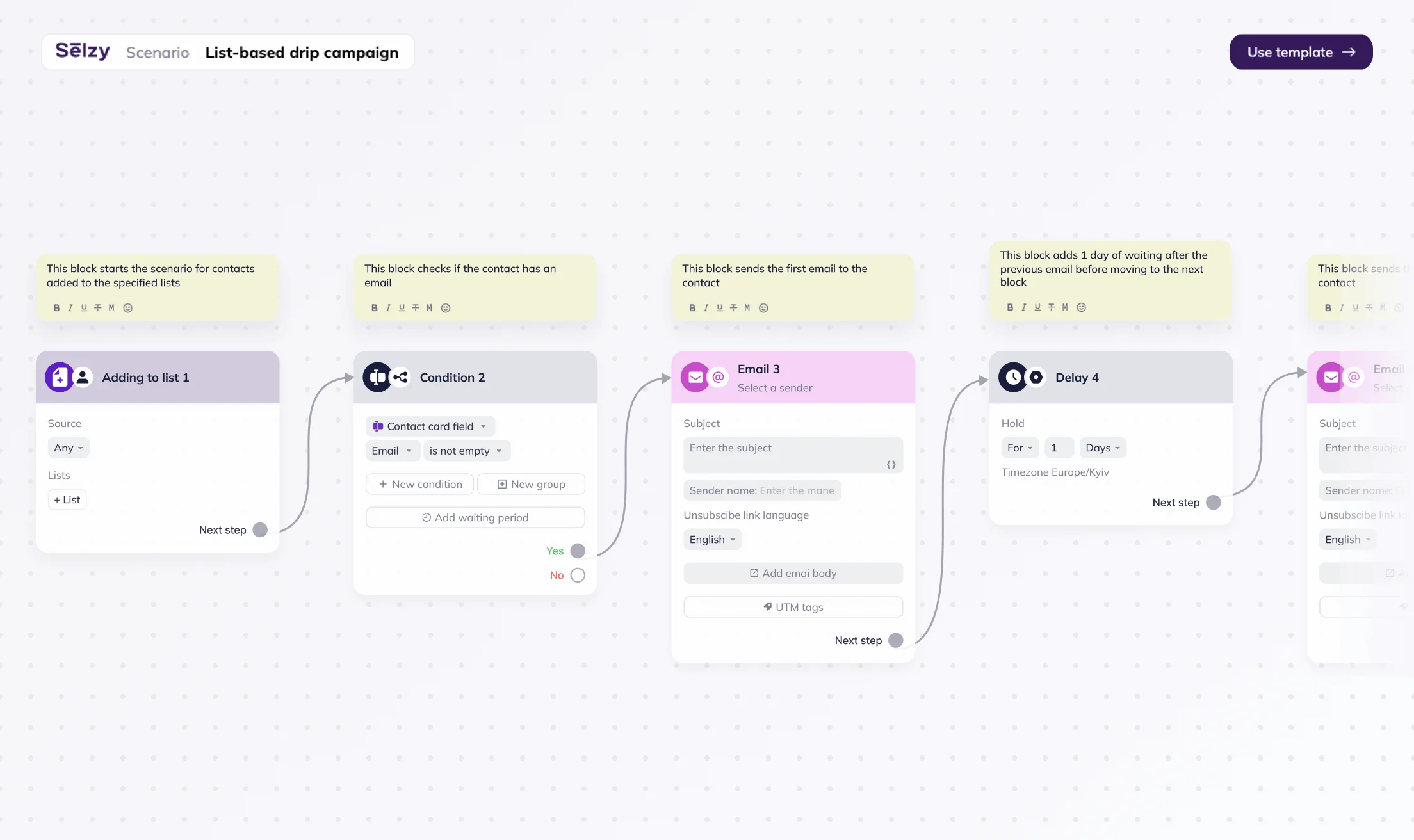
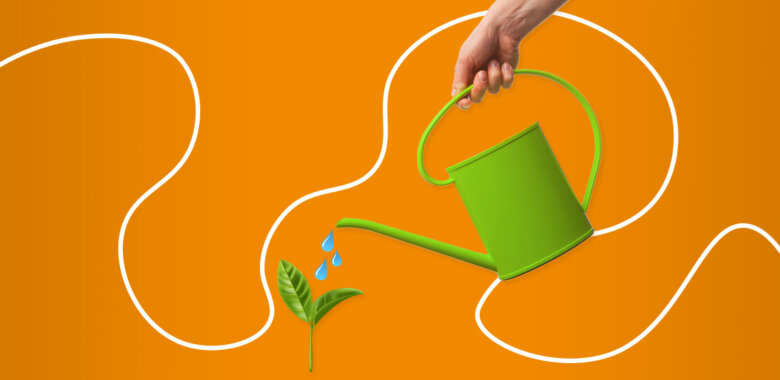
New contacts are the most active. Nurture them with special deals and exclusive content in an onboarding series of messages.

React fast and smart
Send reminders about abandoned carts with a limited offer for higher conversion. Follow up on a purchase and ask to leave a review.

Show up for special moments
Offer a personal discount for birthdays.Launch holiday countdown email campaigns for even more sales during the high season.
Templates to fit any occasion
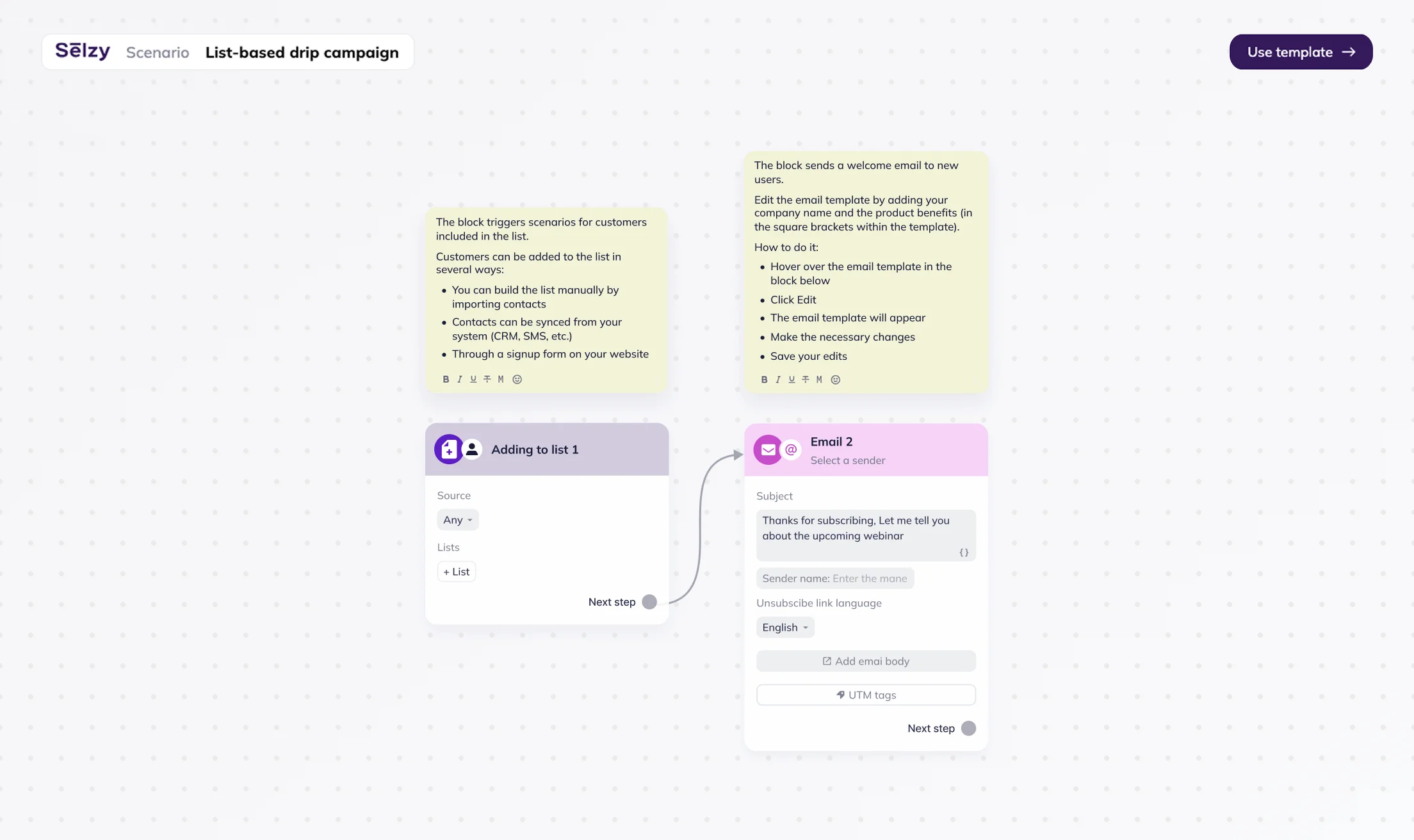
We’ve already mapped out the steps for the most popular occasions for you to save time.
Starting a conversation
- Welcome series
- Reactivating old subscribers
- Sending a thank-you gift for subscribing
Reminding and nurturing
- Event reminders and countdowns
- Birthday wishes
- Hot deal announcements
How to create an email marketing automation?
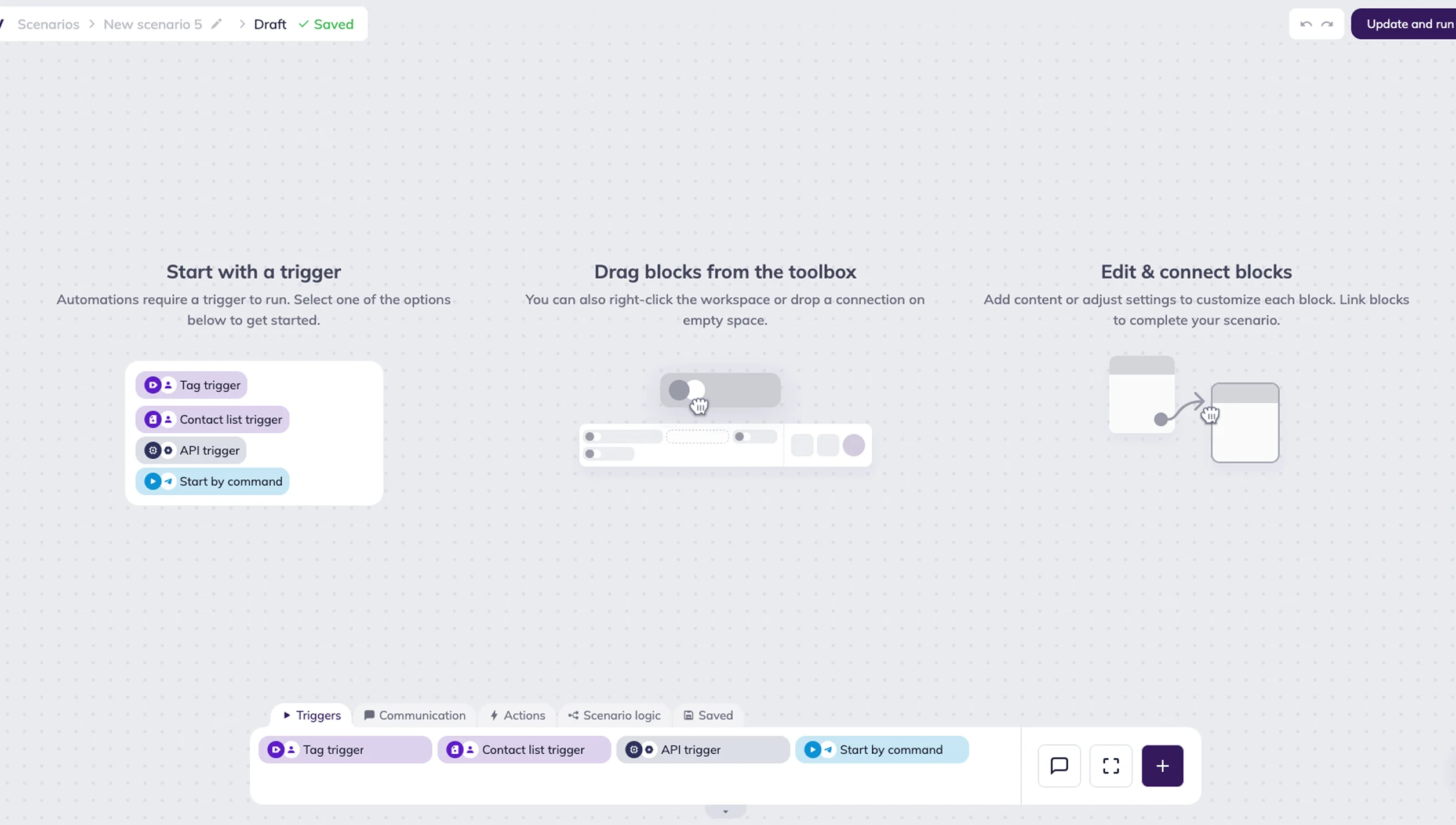
Go to the Scenarios → Triggered tab from the main menu in your Selzy account.
Click New scenario.
Drag the right Trigger from the Triggers category onto the editor workspace and set it up.
Add steps to your campaign and attach the corresponding emails.
Save and launch your campaign — done!
For more details, check out our dedicated guide: How to create an omnichannel automation scenario?
Email builder
Build professional-looking messages in no time with Selzy email builder.
Email templates
No need to reinvent the wheel. Choose one of 140+ Selzy expertly crafted email templates.
Segmentation
Use our segmentation tool to make sure your automated email sequence hits the target as close as possible.
Ready to send your first campaigns?
Get started for free. Scale up when you’re ready.
Try Selzy for free
 Free
Free
Free
Lite
Standard
Best deal
Enterprise
dedicated manager, performance boost and more
50,000+ customers can't be wrong...
Selzy is the easiest way to start selling with email — but don’t just take our word for it.
Read our customers’ success stories and see what they have to say 👉


“A true gem we discovered in a huge pile of email marketing software. Way more affordable than those big known brands, and it outperforms them! All we need for full blown email marketing campaigns.”

“The overview dashboard is something I really love, because of how easy it is to understand and the summary statistics of my overall opens, clicks and unsubscribe. The support desk is really great and quick to respond.”


“I sent the first (test) campaign in less than 5 minutes. How did Selzy get me? Pleasant dashboard, clear statistics, including the deliverability of emails from the campaign, send an email to contacts who haven't opened the message (with one click), simple import of contacts”

“Great buy! The builder covers everything, I was looking at the large array of design templates. The UX/UI is just smooth. Selzy makes Mailchimp look pale in comparison.”


“The best thing about Selzy is its ability to manage marketing emails with fantastic templates, simplifying the process.”

“Not kidding. Selzy is really good. their support is beyond excellent. Response time is less than 5 minutes. They staff is skilled. The ux/ui is amazing. I highly recommend everyone to use it. This company really knows what they are doing! In fact, this is one of the best LTD's I've bought in a while.”

“Selzy is cost effective to the max and it makes it clear how my list health is going. Also top of the line support. We are talking minutes no matter what time I pinged the chat.”


“I have been extremely satisfied with Selzy and would highly recommend it to anyone looking for a reliable and user-friendly email campaign management tool. The analytics and reporting tools are top-notch, providing detailed insights into the performance of my campaigns.”

“Great UI, super easy to use and navigate around. I really love the ease of use and the amazing and attractive templates it has that makes it so simple.”

“Create email campaigns super fast, and having my email list on different categories is awesome. Been using Selzy a lot, no complaints at all.”

“Instead of opting for larger platforms like Mailchimp or Constant Contact, which offer an abundance of unnecessary features and complex interfaces, I desired a more straightforward solution focused on email sending. After comparing various email marketing platforms like Sender, Sendpulse, and Mailerlite, I ultimately chose Selzy.”

“I can run a campaign easily. It’s an alternative solution to the CRM+Email marketing tool I use on a daily basis.”





Get round-the-clock support via chat, email, and phone
FAQ
Do I need coding skills to automate my messages?
With Selzy triggers, you can build automated scenarios easily — no coding skills required. For more complex setups, there are several additional options. If your platform supports webhooks, you can configure triggers without involving a developer. However, if webhooks are not available and you want to use API triggers to pass specific data into Selzy and personalize your automation, you’ll need a developer for the initial setup. Once everything is configured, you can build and manage scenarios on your own.
The complexity of the setup depends on you — specifically, on what kind of data you want to pass into Selzy and use in triggers. For more details, check out our dedicated guide: How to create an omnichannel automation scenario?
I want to create an automated email sequence. Where do I start?
You can check out our article to create your first sequence in several easy steps.
What type of business is email automation for?
Any online business can use automation to boost sales and take the routine off their sales managers’ shoulders.
Does automated email sequence always need to include more than one message?
One or several messages can be automated depending on your goal. If you just want to send a confirmation after a new customer has subscribed to a newsletter, you can automate your confirmation email. You can also go further and nurture new leads: you can automate a sequence of emails which will also include special deals and useful content.
Ready to try it yourself?
Click below to register and check your inbox for a confirmation email. Yep, that’s our automation doing its magic. You can, too. Try it 😉
Let’s do this